
Build 3D Worlds With AI
Build a playable world with AI, publish it on Chrona, and share it with everyone.
-
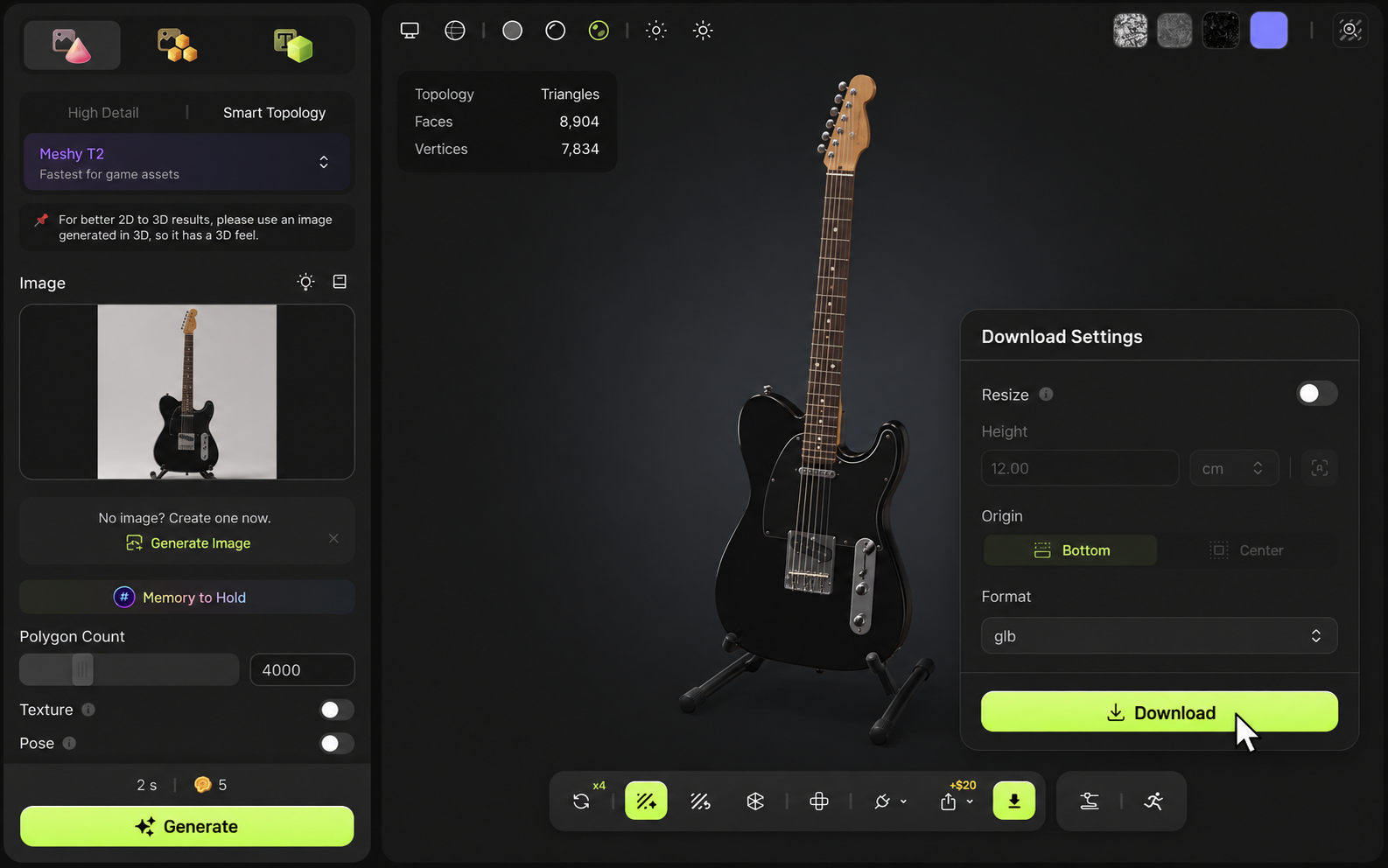
Generate Assets In Meshy
Create your 3D assets in Meshy and export them as GLB files, such as guitar.glb.
-
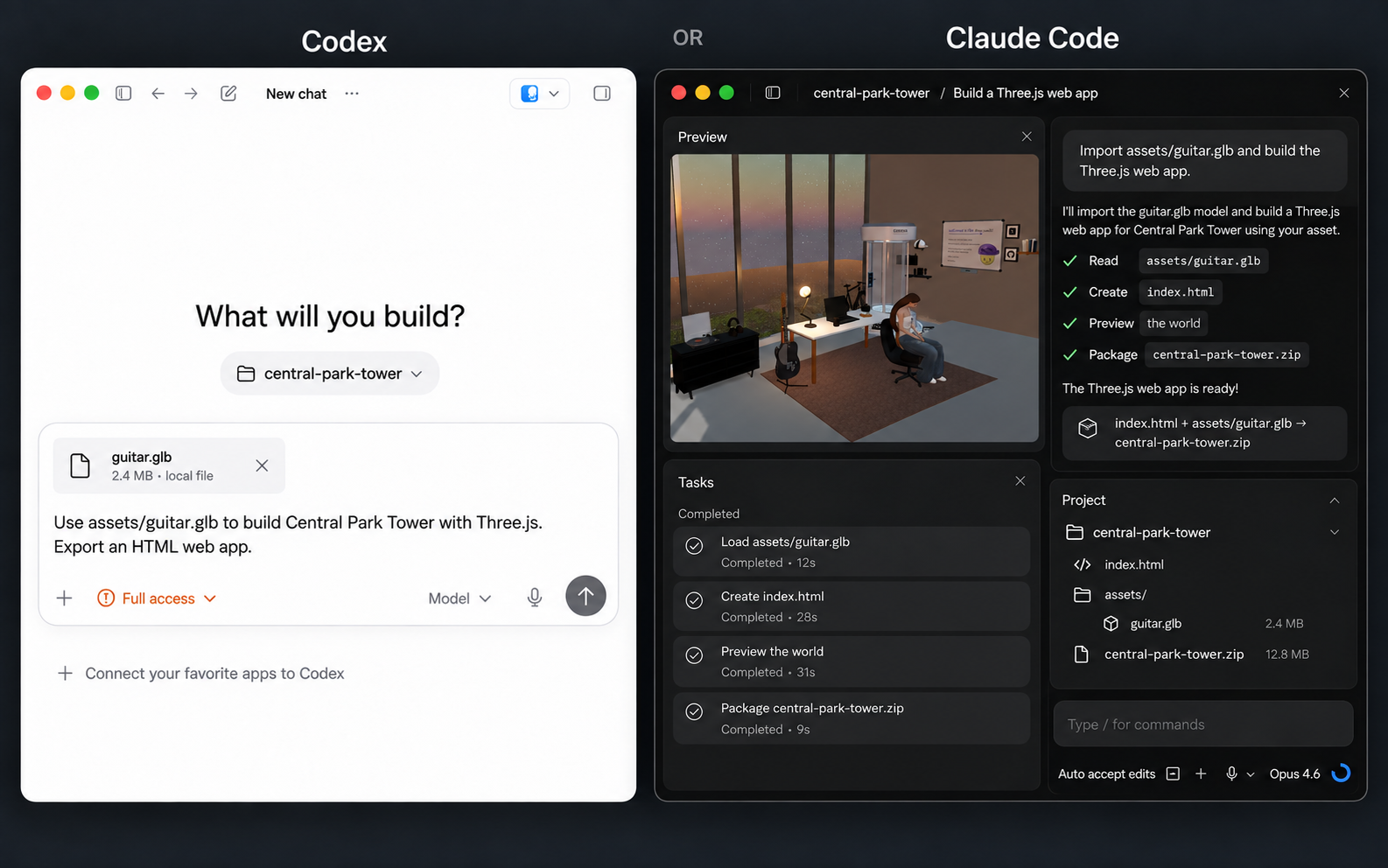
Build With AI
Import guitar.glb into Codex or Claude Code on desktop and build your Three.js web app.
-
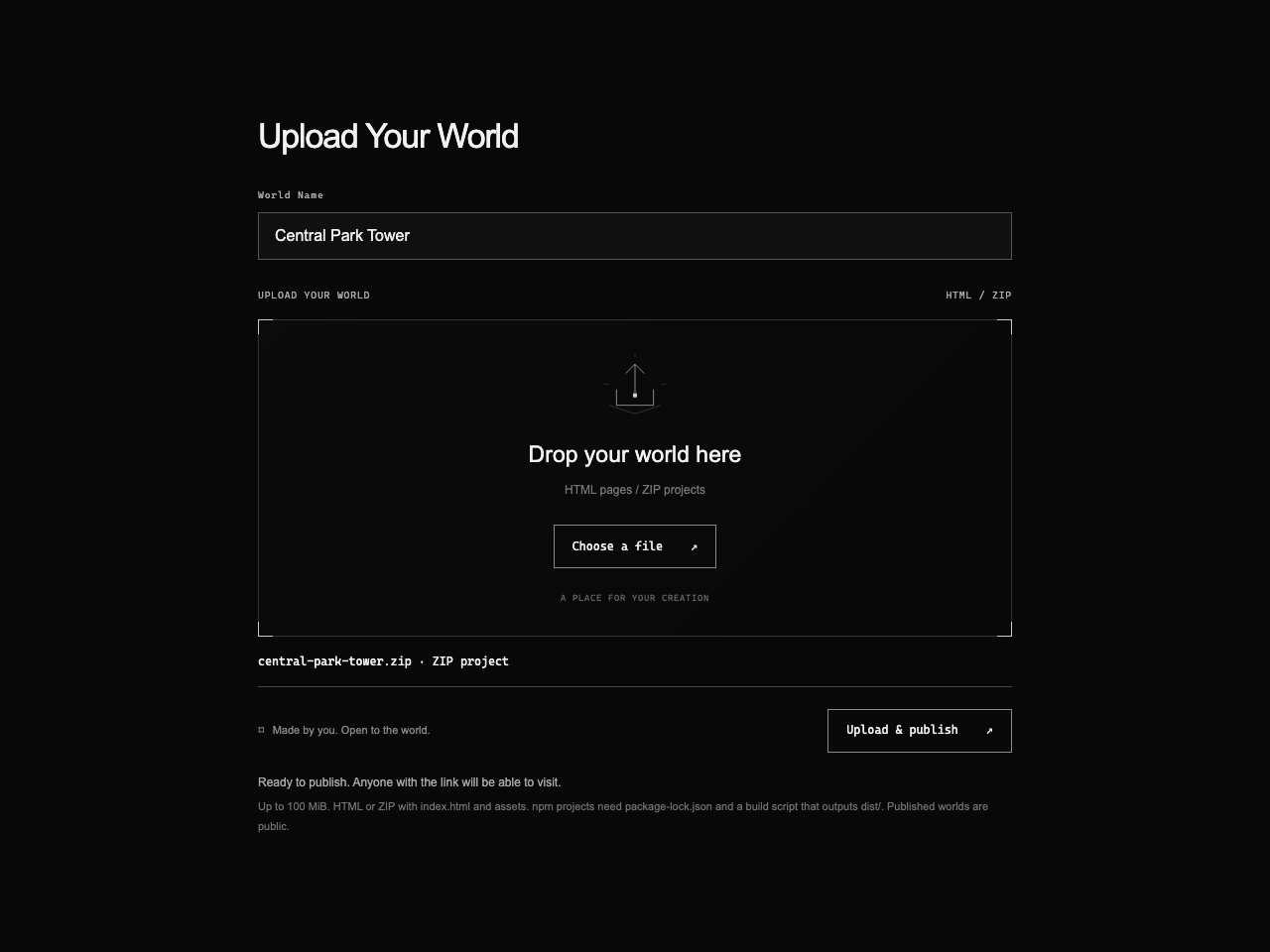
Upload To Chrona
Upload your finished HTML or ZIP web app to Chrona and give your world a name.
-
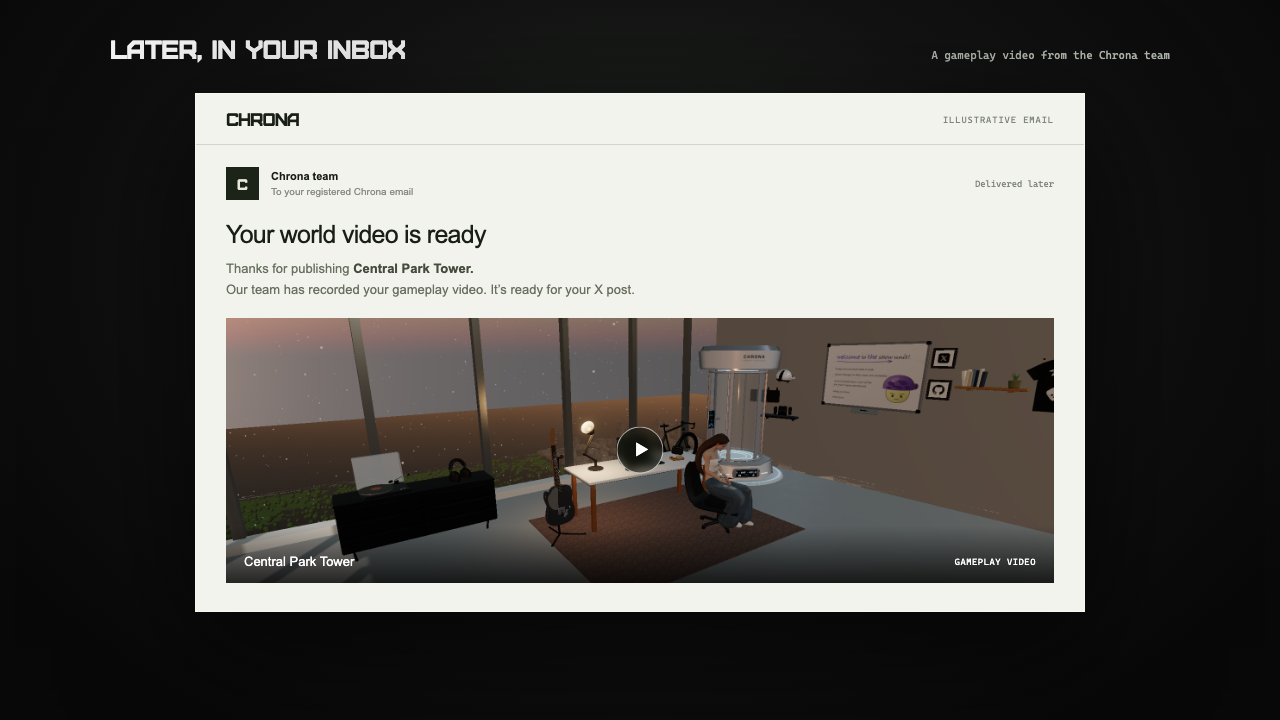
Receive Your Demo Video
Our team will send your world’s demo video to your registered Chrona email.
-
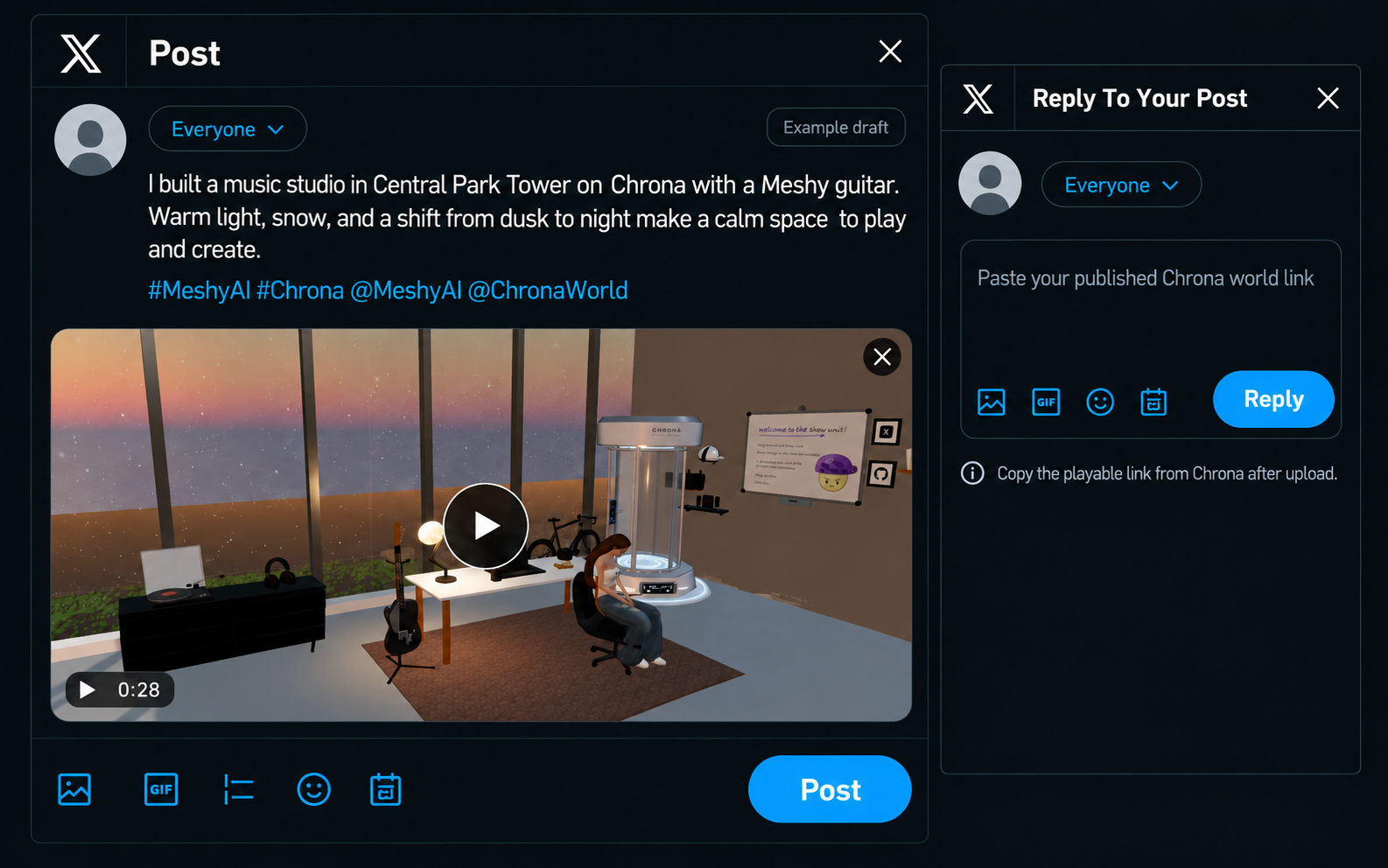
Post On X
Publish an original public X post with at least one world video and a 30+ word caption about your concept or creative process.
Reply to your post with your playable Chrona world link.
-
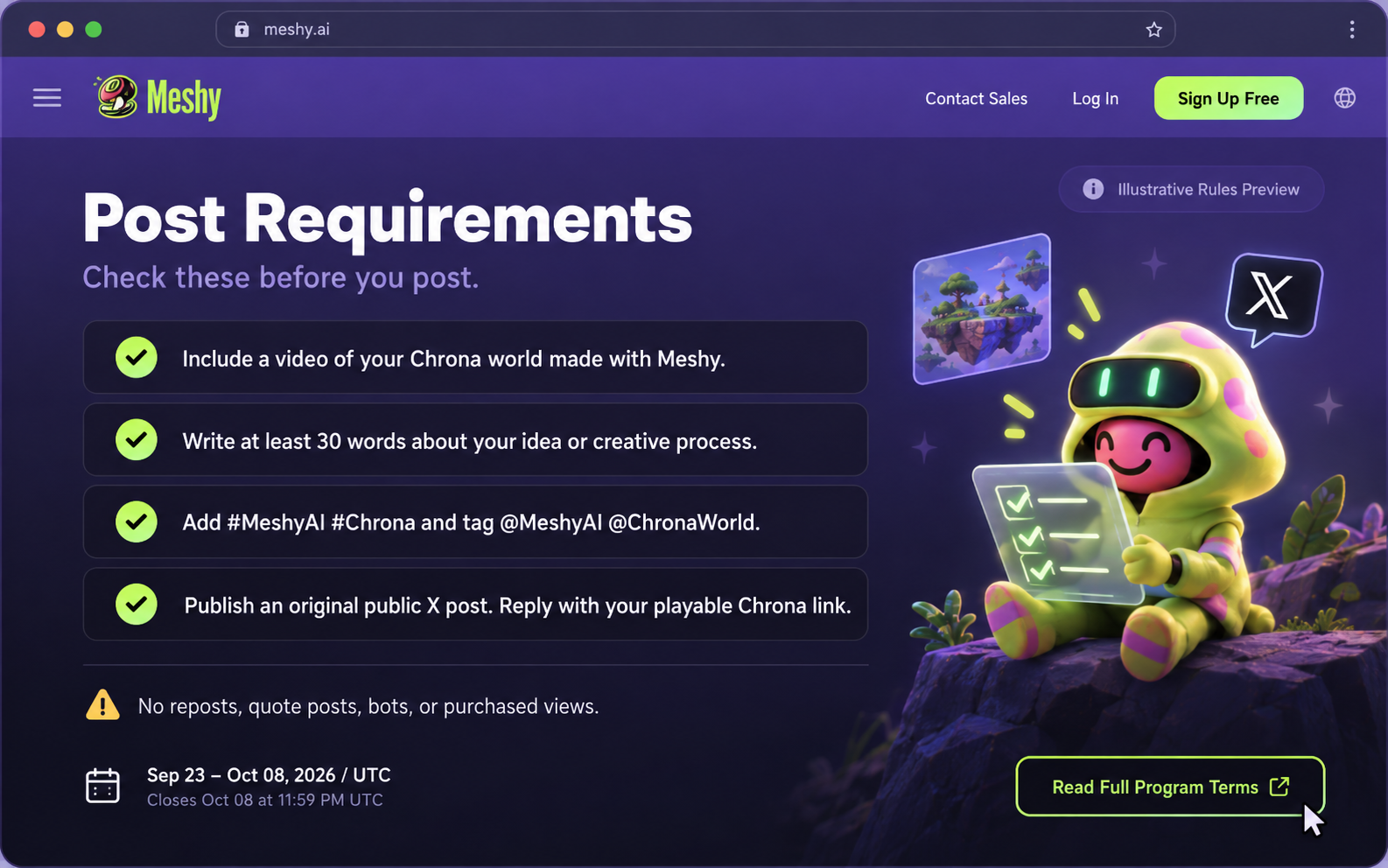
Submit Your Link to Meshy Earn Program
Submit your post link on Meshy Earn Program and get reward.
Upload Your World
Drop your world here
HTML pages / ZIP projects
A PLACE FOR YOUR CREATIONMade by you. Open to the world.
Choose an HTML file or ZIP project to get started.
Up to 100 MiB. HTML or ZIP with index.html and assets. npm projects need package-lock.json and a build script that outputs dist/. Published worlds are public.